

Download LED Keyboard – Android keyboard, custom keyboard, keyboard theme, colorful keyboard, fun keyboard, stylish keyboard, keyboard customization, Android app
Overview
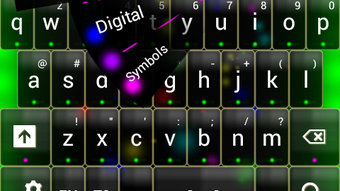
The LED Keyboard app is a free Android tool designed to enhance the visual appeal of mobile typing experiences. Developed by T-Me Studio, the application functions as a theme pack for the GO Keyboard platform, enabling users to transform their default keyboard into a vibrant, dynamic interface. The primary purpose of the app is to offer customizable visual elements, particularly through color adjustments and modern design aesthetics, helping users make their devices stand out.
It targets casual users and mobile enthusiasts who value personalization and enjoy expressing individuality through their device interfaces. The app is especially suited for individuals who use messaging apps frequently and want their keyboard to reflect a unique style. While the app does not function as a standalone keyboard, it integrates with an existing GO Keyboard installation to deliver its full functionality.
Real-world usage scenarios include personalizing a smartphone for social media interactions, enhancing the look of text-based conversations with friends and family, or simply refreshing the appearance of a device with a modern, sleek theme. The developer did not provide additional details about the app’s development background or technical philosophy.
Key Features & Capabilities
- Customizable Keyboard Colors – Users can adjust the color scheme of their keyboard interface, allowing for personalized visual expression based on mood, preference, or device theme.
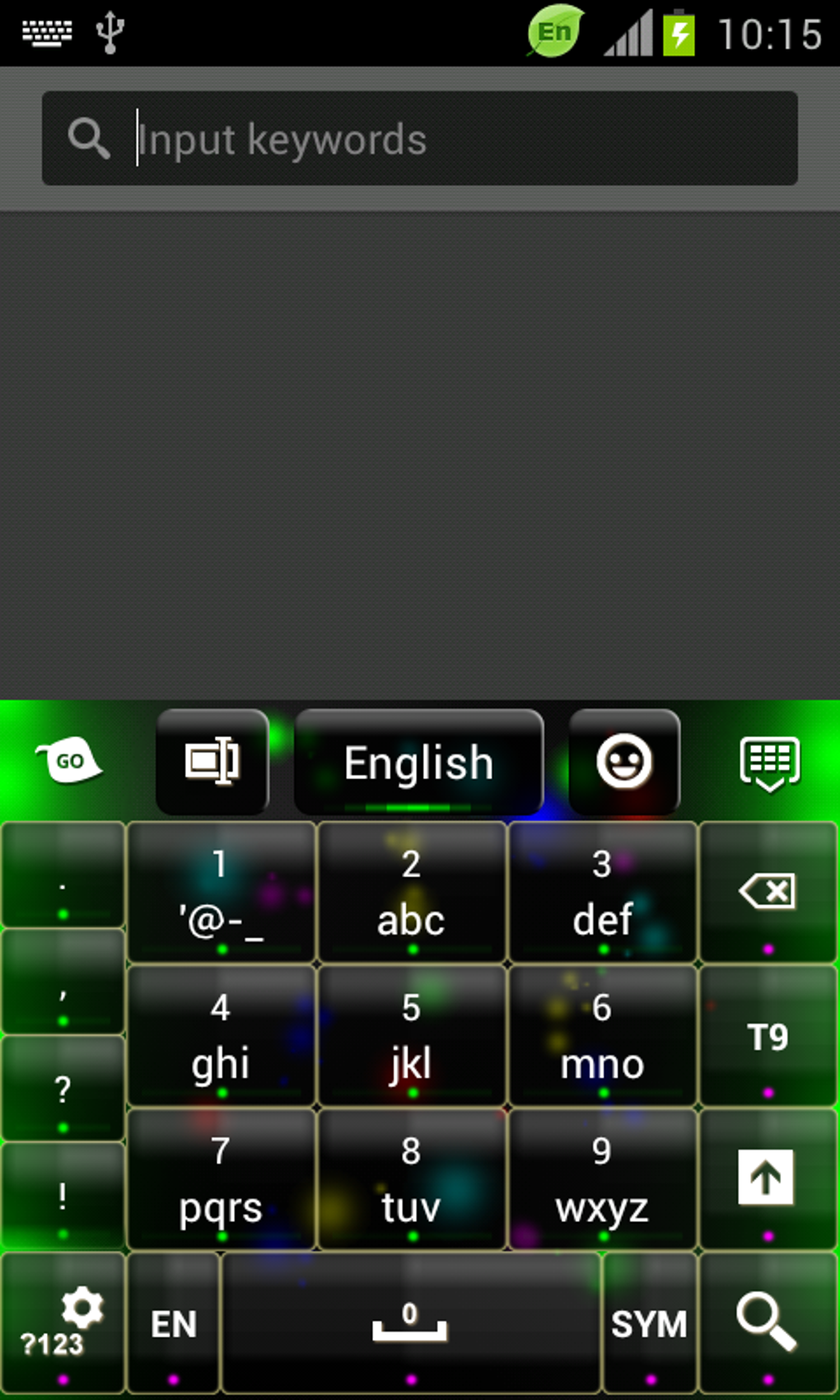
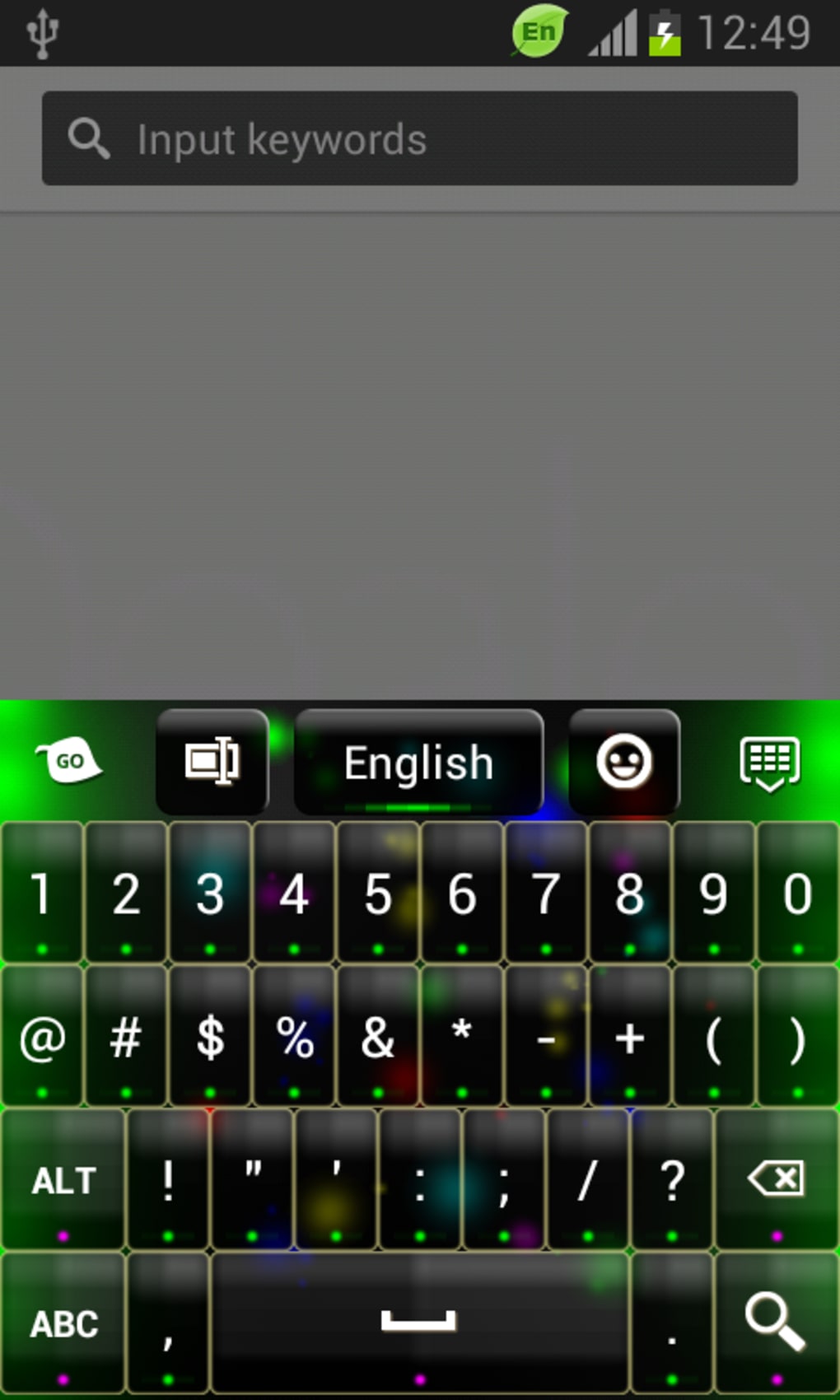
- LED-Style Visual Theme – The app applies a sleek, illuminated design aesthetic that mimics LED lighting effects, giving the keyboard a modern and dynamic appearance.
- Integration with GO Keyboard – LED Keyboard operates as a theme pack, requiring the GO Keyboard app to be installed and active to function properly.
- Easy Theme Activation – Once installed, users can set the LED theme as active directly from the app’s interface with a single action.
- Simple Interface for Customization – The app features a clean, intuitive layout that allows users to navigate settings and apply changes without technical difficulty.
These features support a seamless customization workflow. For example, a user might change their keyboard color to match their favorite outfit or use a bright neon theme during a social event. The integration with GO Keyboard ensures that users retain full typing functionality while enjoying enhanced visual design. The app’s focus on aesthetics over advanced functionality makes it ideal for users seeking a quick, visual upgrade to their mobile experience. The developer did not specify additional features such as gesture typing, predictive text, or emoji integration.
User Interface, Workflow & Performance
The LED Keyboard app presents a minimalistic and user-friendly interface, designed for straightforward navigation. The layout emphasizes visual clarity, with clearly labeled options for theme selection and activation. Users can access color customization tools with minimal steps, making the process accessible even to those with limited technical experience.
The workflow is linear: install the app, open it, and select “Set as Active Theme” to apply the LED design. This simplicity supports efficient use without requiring prior setup or configuration. Performance observations are based on general software behavior patterns.
The app does not introduce complex processing tasks, suggesting low impact on device performance. The developer did not specify resource usage details, including CPU or RAM consumption. Stability is expected to be consistent, as the app functions as a theme layer rather than a core system component.
No reported crashes or compatibility issues were mentioned. However, actual performance may vary depending on the user’s device model and Android version.
Compatibility & System Requirements
The LED Keyboard app is designed for Android operating systems and requires a minimum version of 4.4 or higher. This ensures compatibility with a wide range of devices released in recent years. The app has a file size of 15.8 MB, which is relatively lightweight and suitable for devices with limited storage.
Installation is straightforward, with no additional dependencies beyond the GO Keyboard app. The developer did not specify exact hardware requirements, such as RAM or processor type. Compatibility information was partially provided, and users should verify that their device supports both GO Keyboard and the required Android version.
The app does not support iOS or other platforms. For optimal results, users are advised to ensure their device meets the minimum OS requirement and has sufficient storage space for both the app and the GO Keyboard platform.
Pros and Cons
Pros
- Free to download and use with no hidden costs
- Lightweight file size (15.8 MB) suitable for most Android devices
- Simple, intuitive interface for quick customization
- Enhances visual appeal of the keyboard with vibrant LED-style themes
- Easy integration with the GO Keyboard platform
Cons
- Requires GO Keyboard to be installed and active for functionality
- Does not function as a standalone keyboard application
- Limited to visual customization; no advanced typing features
- Exact performance impact on device resources was not specified
- May not be compatible with newer or older Android versions beyond 4.4
FAQ Section
Is LED Keyboard compatible with my Android device?
The app requires Android 4.4 or higher. Users should verify their device’s operating system version before installing.
Can I use LED Keyboard without GO Keyboard?
No. The LED Keyboard app is designed as a theme pack for GO Keyboard and cannot function independently.
Is the app safe to download and install?
Yes, the app is available for free and distributed through official Android channels. It does not require elevated permissions beyond standard access for theme application.
Does the app support offline usage?
Yes, once installed and configured, the LED Keyboard theme can be used offline without requiring an internet connection.
How often are updates released?
Update frequency was not specified by the developer. Users should check the app store for new versions.
Final Thoughts + CTA
The LED Keyboard app delivers a focused, visually driven experience tailored for Android users who prioritize style and personalization. While it lacks advanced typing functionalities, its strength lies in enhancing the aesthetic quality of the keyboard interface with vibrant, customizable themes. The seamless integration with GO Keyboard and the lightweight design make it a practical choice for users seeking a quick and safe upgrade to their mobile typing experience.
It is ideal for casual users, teens, and social media enthusiasts who enjoy customizing their devices. Despite its limitations, the app fulfills its purpose effectively within its scope. For those looking to make their phone more stylish and expressive, LED Keyboard offers a simple, free solution.
Download LED Keyboard now.





.png)

